
Pixcue
AI Photo Enhancer
Bring old photos back with one beautiful app.
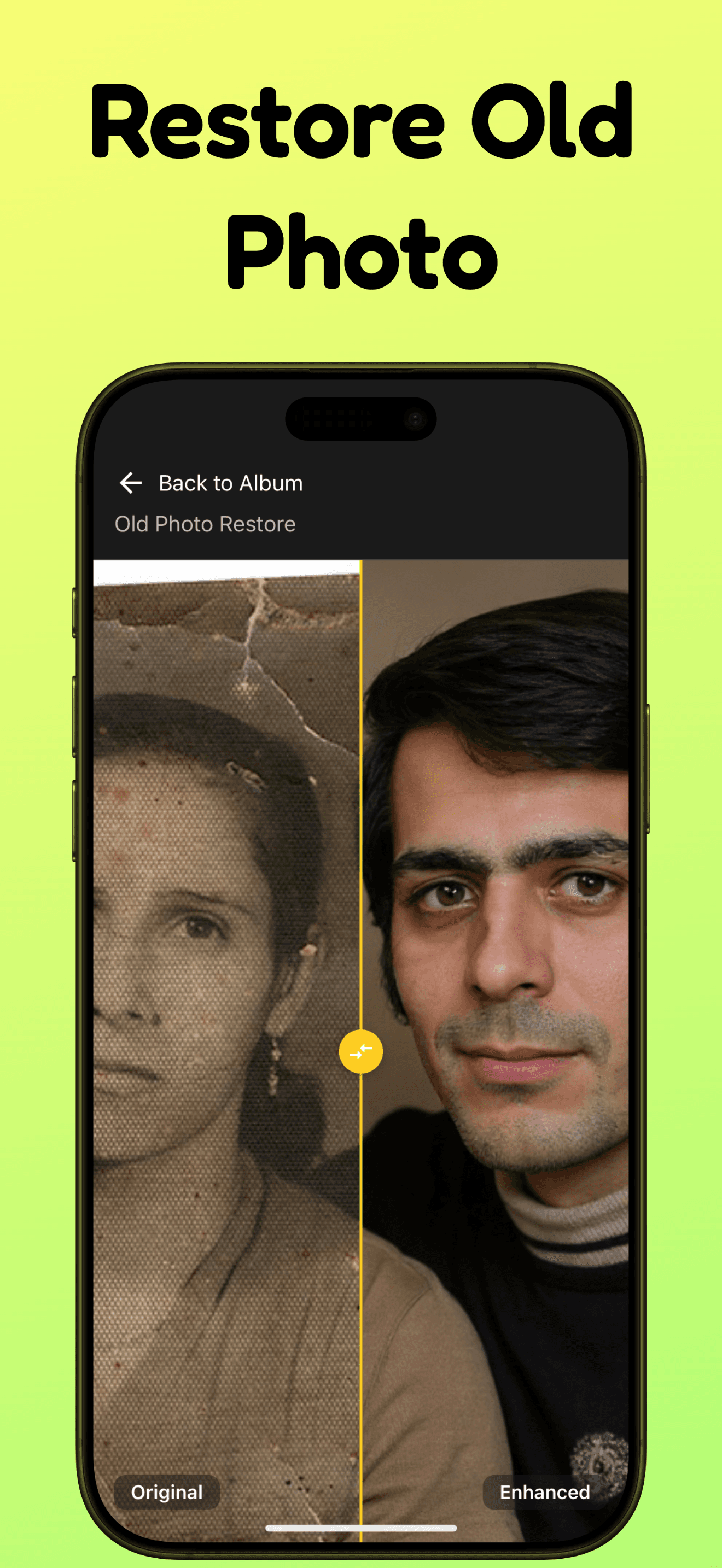
Pixcue restores damaged photos, sharpens low-resolution images, and colorizes black-and-white memories with a simple mobile-first workflow.
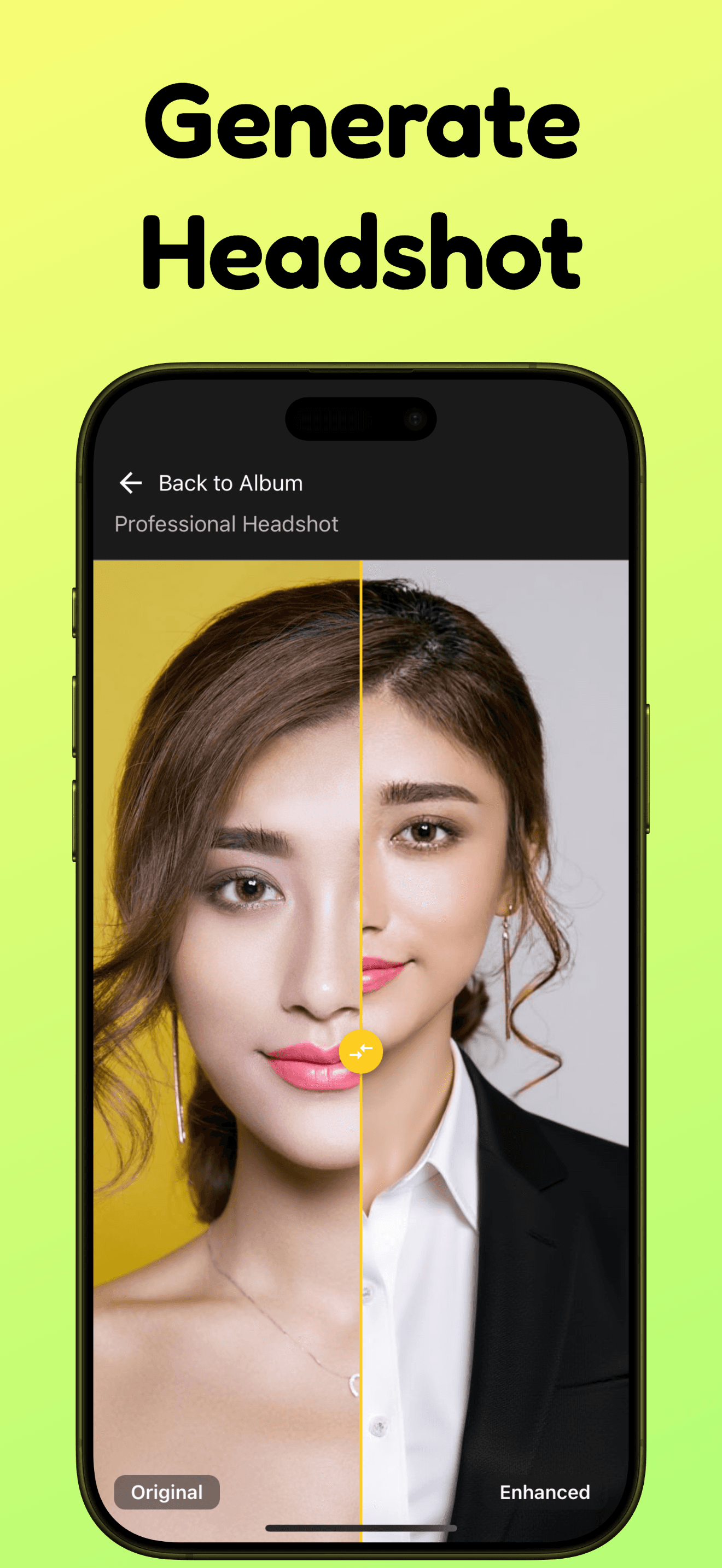
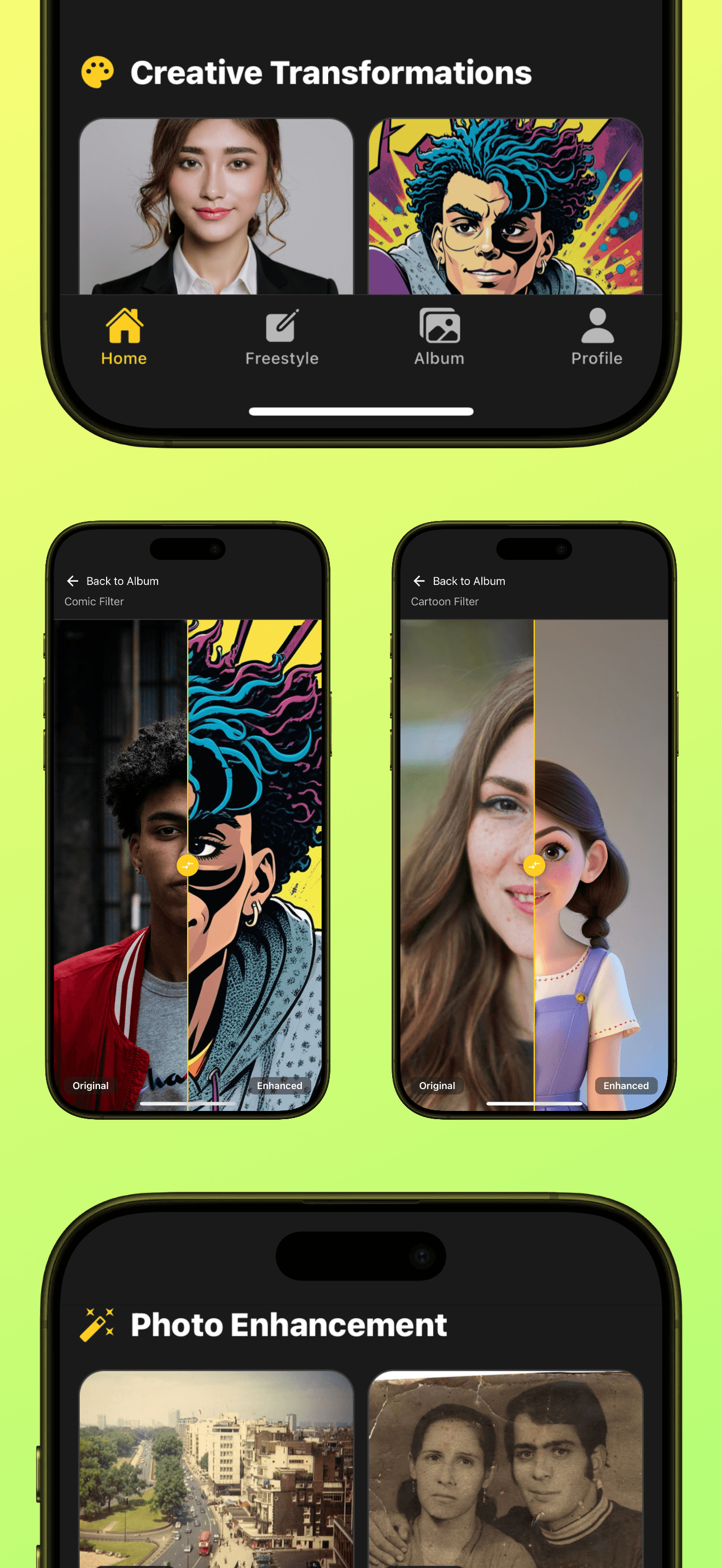
A focused workflow keeps photo repair approachable for family archives, social posts, and quick keepsake cleanup.
What Pixcue Does
Professional-looking repairs without professional editing tools.
Repair old photos
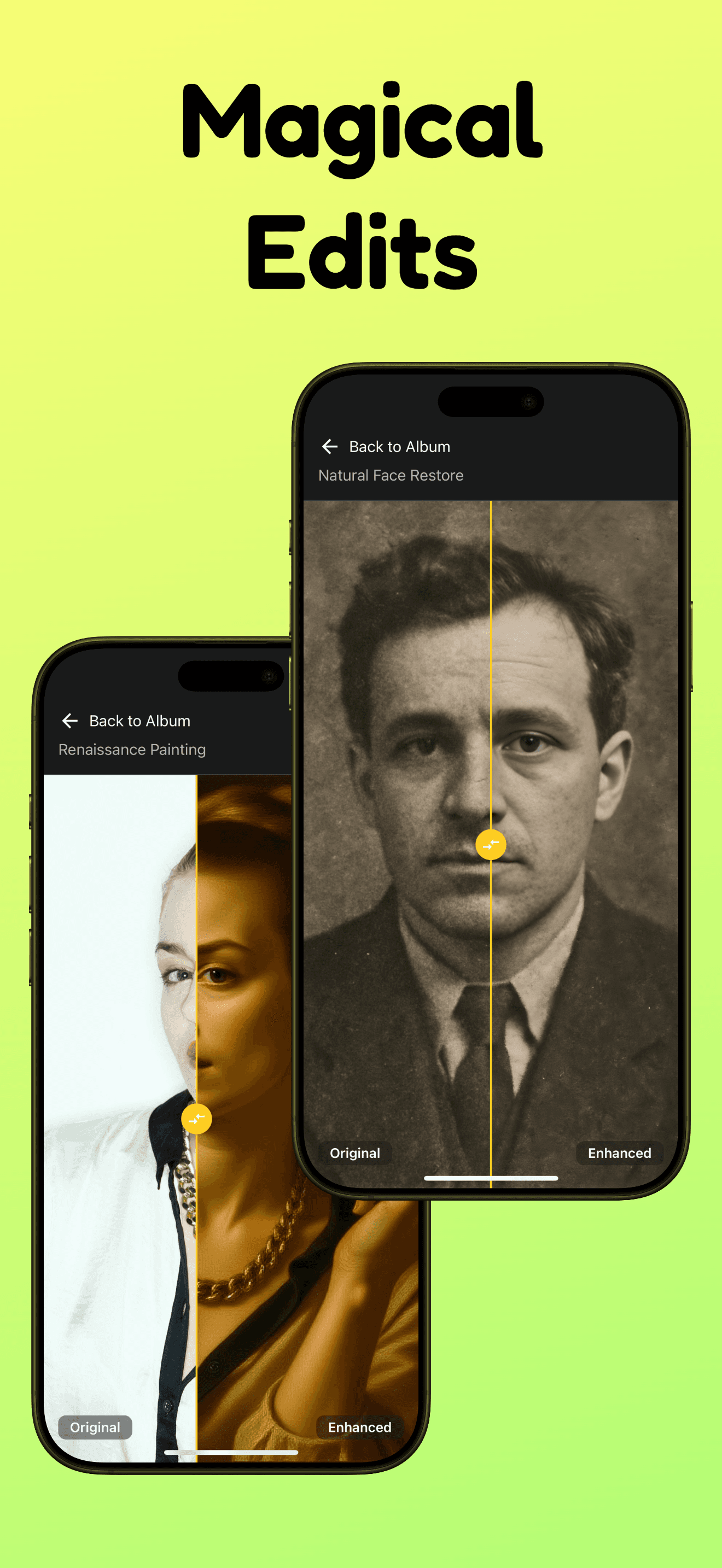
Clean up time-worn prints, scratches, blur, and faded details with AI-powered restoration.
Colorize portraits
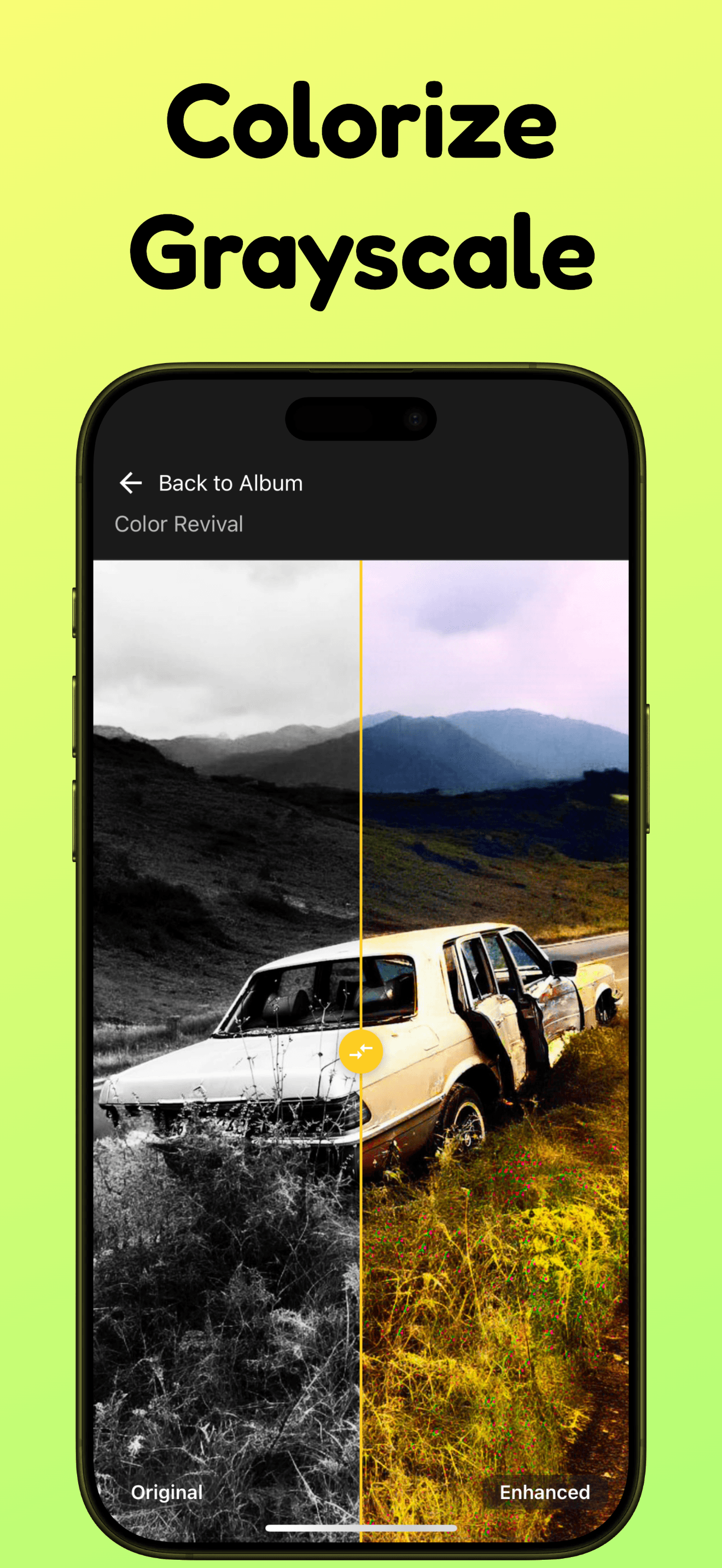
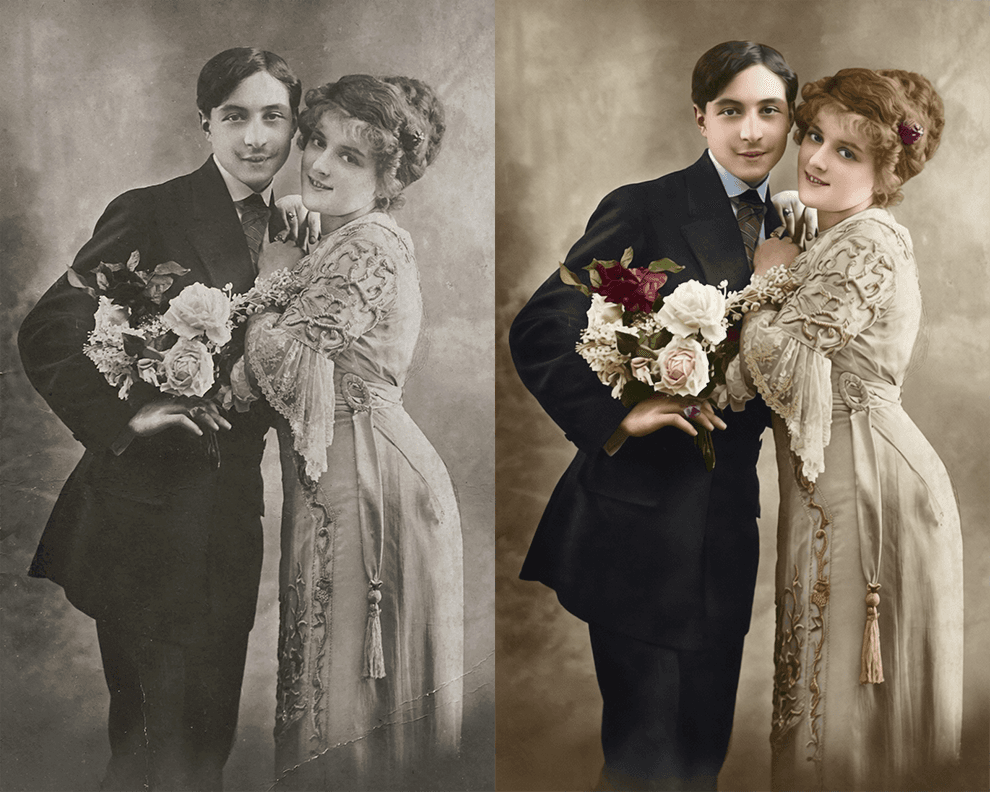
Add natural-looking color to black-and-white family photos while keeping their original character.
Enhance clarity
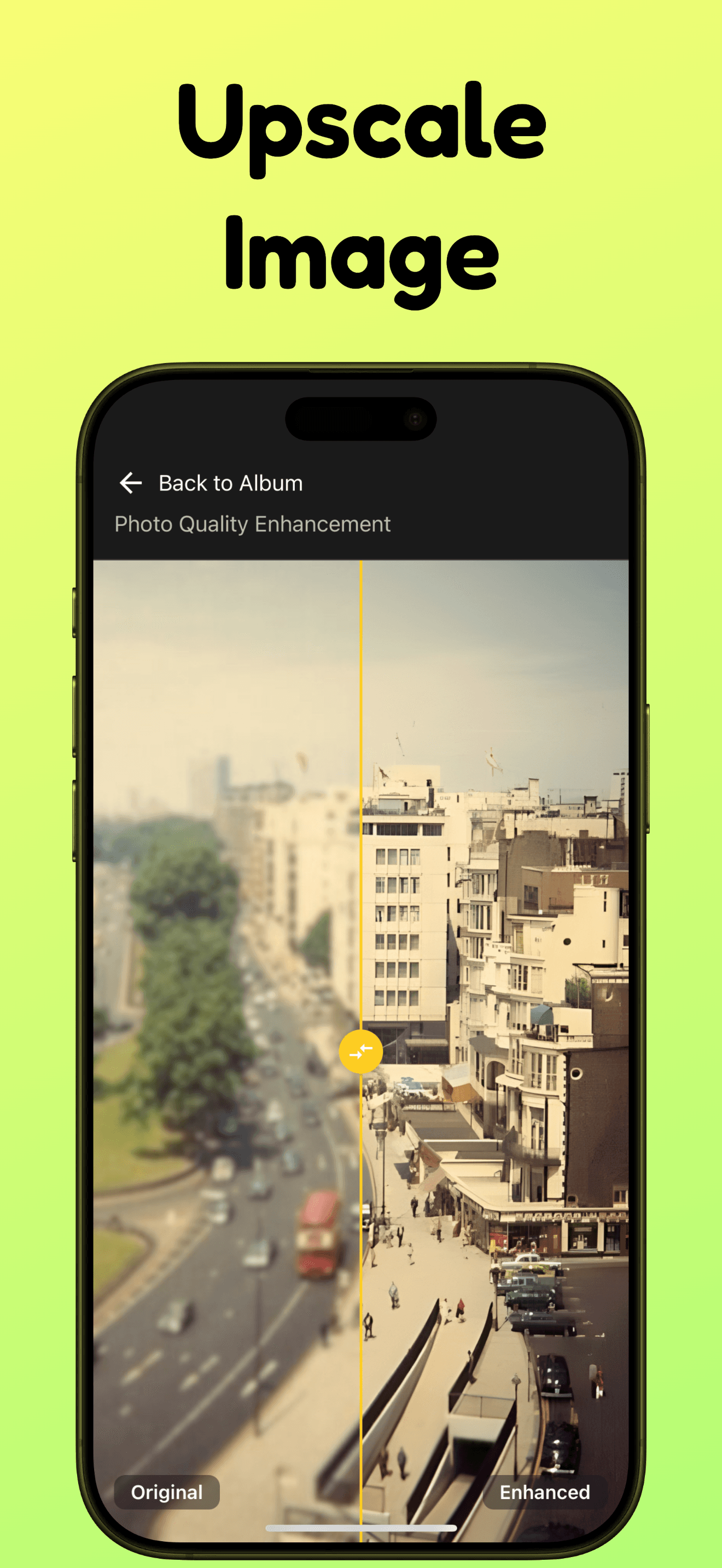
Improve sharpness and resolution so low-quality scans feel ready to save and share.
App Screens
Built around the moments people actually want to save.

Why It Helps
Old images deserve a better path than being forgotten in a drawer.
Pixcue is for quick restoration jobs that matter personally: family portraits, scanned albums, faded snapshots, and pictures that need a cleaner version before sharing.
Read the restoration guide“This app is so much fun and creative. I really like how easy it is to use.”
“The results are very impressive, and photos are improved in a couple of seconds.”
Start restoring photos with Pixcue.
Download the app and turn damaged, faded, or low-quality photos into cleaner images you can keep.
By using Pixcue, you agree to the Terms and Privacy Policy.